RCD LLM Service
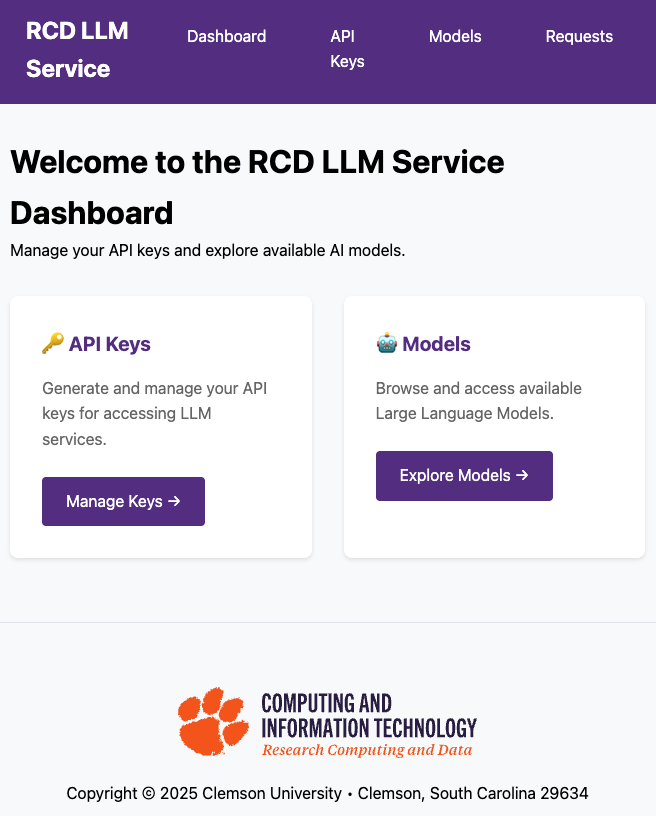
The RCD LLM Service provides API access to open-weight large language models hosted locally on Clemson research computing infrastructure. It can also proxy selected OpenAI API requests for eligible users through an RLS-managed OpenAI gateway.
The service is available at llm.rcd.clemson.edu.
Please let us know if you run into any issues.
The RCD LLM Service currently provides API access only. It does not yet provide a built-in web chat interface.
The service is currently accessible only from the Clemson network. If you are off campus, connect to the Clemson University VPN before using the service.
What the Service Provides
- OpenAI-compatible API access for locally hosted models
- Selected OpenAI API access using an RLS API key and RLS-managed OpenAI credits
- Self-service API key management
- A live Models page so you can confirm currently available model names before connecting a client
Getting Started
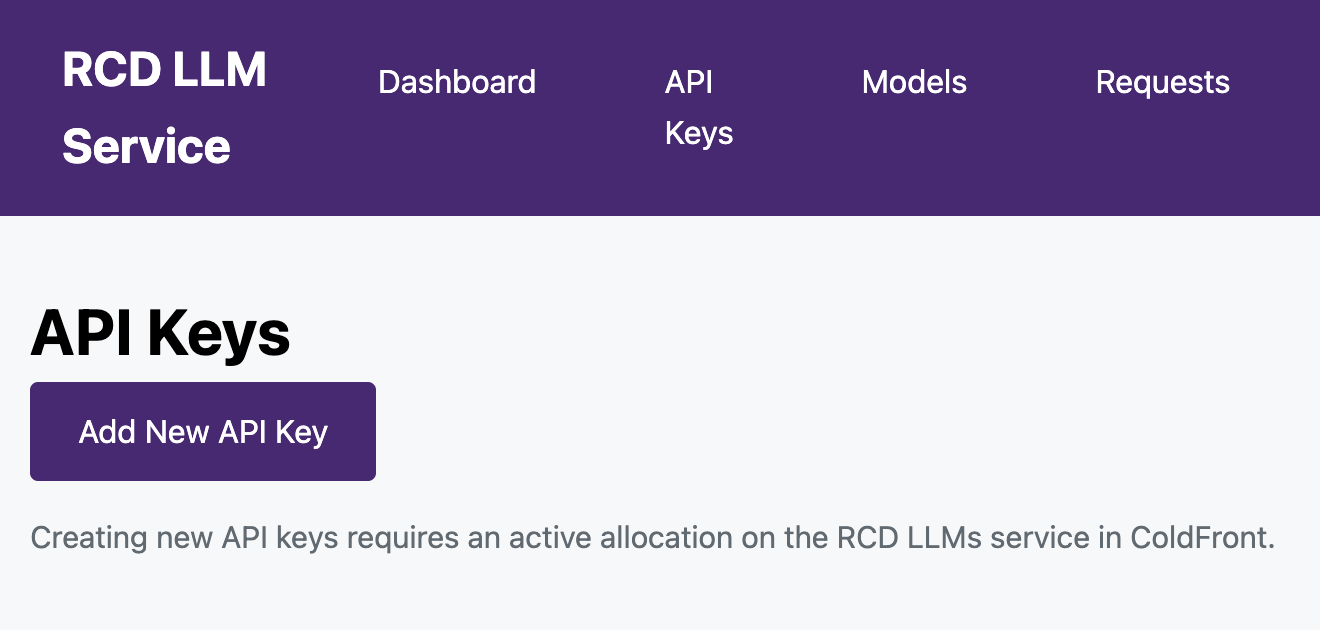
To begin using the service, make sure you have an active RCD LLM Service allocation in ColdFront. Then you can:
- Connect to the Clemson network or Clemson University VPN.
- Sign in to llm.rcd.clemson.edu and create an API key.
- Check the Available Models page for a model name.
- Connect a client using the Local Model API guide, the OpenAI API through RLS guide or the Codex local model guide.
The API Keys page will not allow you to create a new key until your allocation is active on ColdFront.
Next Pages
- Access setup
- Available models
- Using the Local Model API
- OpenAI API through RLS
- Using Codex with Local RLS Models
- Acceptable use guidelines
Need Help?
If you have any questions or run into problems, please submit a support request or schedule office hours.