Classroom Applications
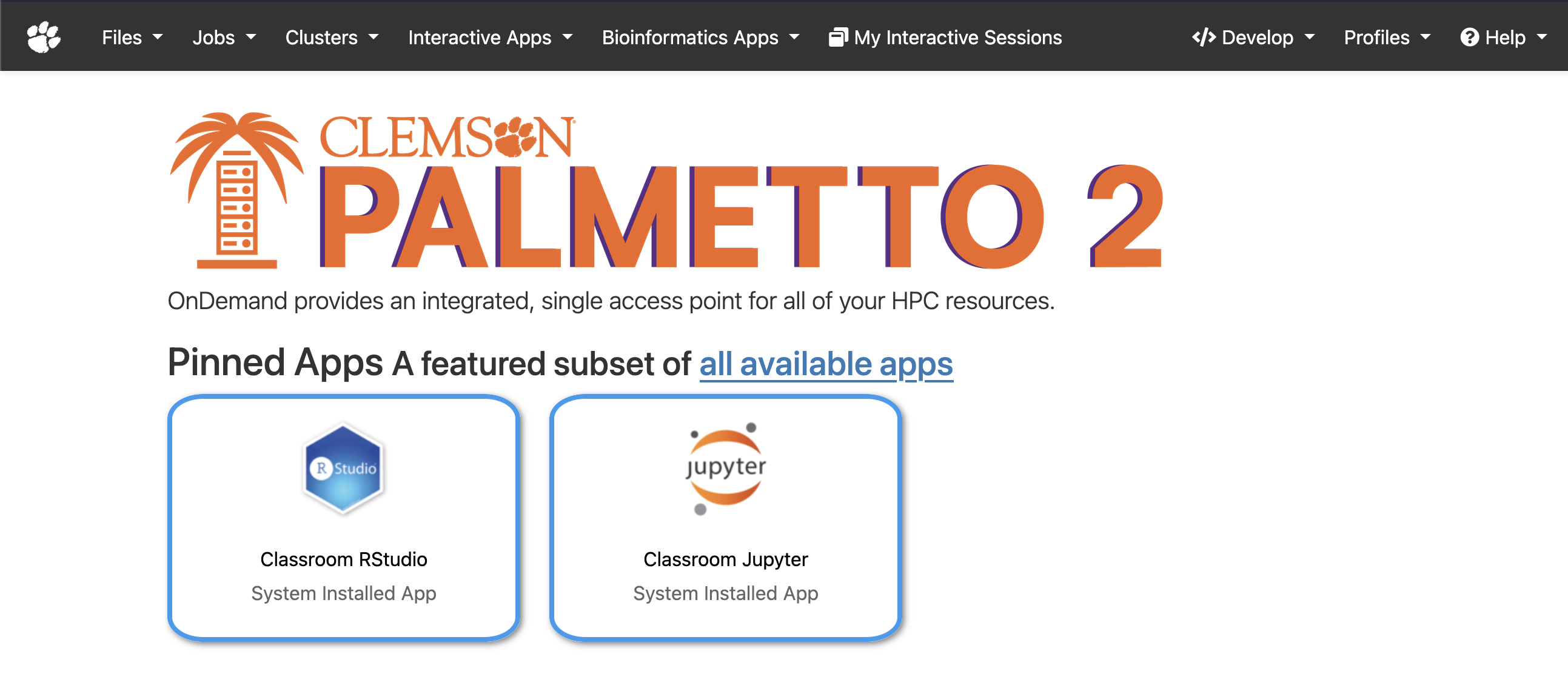
There are classroom specific applications for Jupyter and RStudio. Students can select the class they're in, as well as the resource size and wall time.
Jobs are launched in a container so no setup is required and students have access to all the programs needed.
If you're instructing a class that utilized the Palmetto 2 cluster, and would like to set up a classroom image, please reach out to the RCD team.
Accessing the Classroom Applications
The Classroom profile can be accessed by navigating to https://classroom.rcd.clemson.edu in your web browser.
The menu bar color and home screen will appear different than the regular OnDemand instance.
Launching a Classroom App
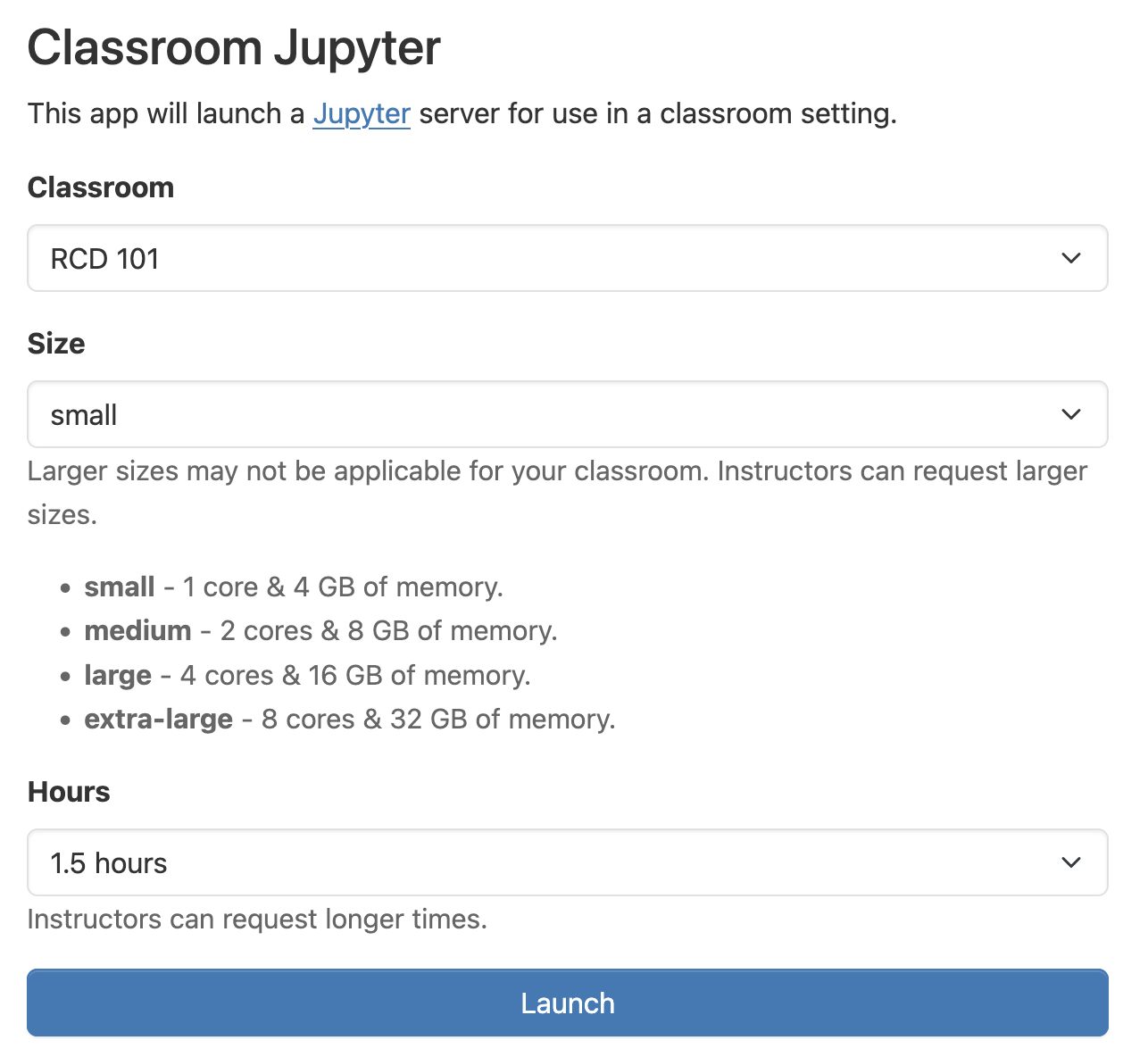
After selecting the application you wish to launch, you are presented with the application form.
Select the appropriate class, the resource size, and the wall time. The image that is launched, the maximum resource size, and the maximum wall time are determined by your instructor.
After launching the app, wait for the job to start and click the button to connect.