RCD GitLab Documentation
Clemson Research Computing and Data maintains a GitLab instance at git.rcd.clemson.edu.
Users with an approved GitLab Group Allocation on ColdFront and those with Palmetto 2 access are authorized to use GitLab.
Palmetto 2 Access
Allows users to create individual projects or repositories and collaborate exclusively with other Palmetto 2 access users. This access is ideal for managing code, tracking issues, and working on smaller, standalone projects.
GitLab Group Allocation
GitLab groups provide enhanced features for organizing projects and repositories under a common namespace, simplifying permission management and collaboration on larger, team-based initiatives. PIs can create GitLab groups by requesting a GitLab Group Allocation on ColdFront.
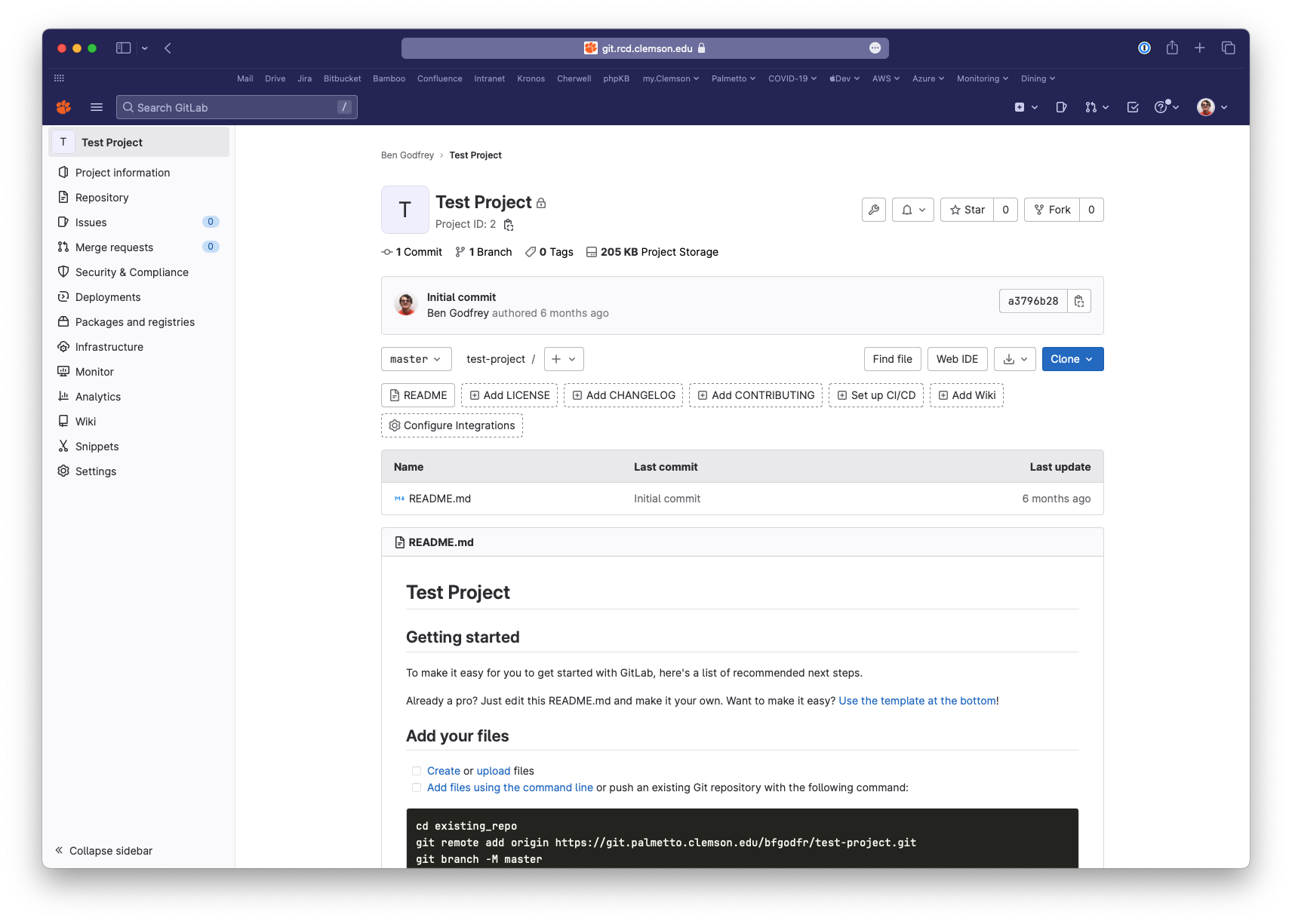
GitLab Use Cases and Features
- Code Storage
- Track changes to your code and workflows with your lab and other researchers
- Documentation
- Use the wiki feature to document your software, workflow or other important lab information.
- Quickly onboard new team members with a central knowledge base.
- Container Registry
- Store your Docker or Apptainer images
- CI/CD (Coming Soon)
- Build your software or container in a reproducible environment and store in the GitLab Package/Container registry.
Learn more about the features of GitLab from the GitLab documentation.
New to Git?
GitLab provides a cheat sheet of commands that you can review.
The RCDE team offers a number of workshops on using GitLab for version control and CI/CD. Check out our training schedule for upcoming workshops.